
Motel Reservation Portal User Guide: Book Briarcliff Fast
Step-by-step motel reservation portal user guide to book Briarcliff Motel in North Conway, NH—choose dates, rooms, packages, and confirm secure bookings.
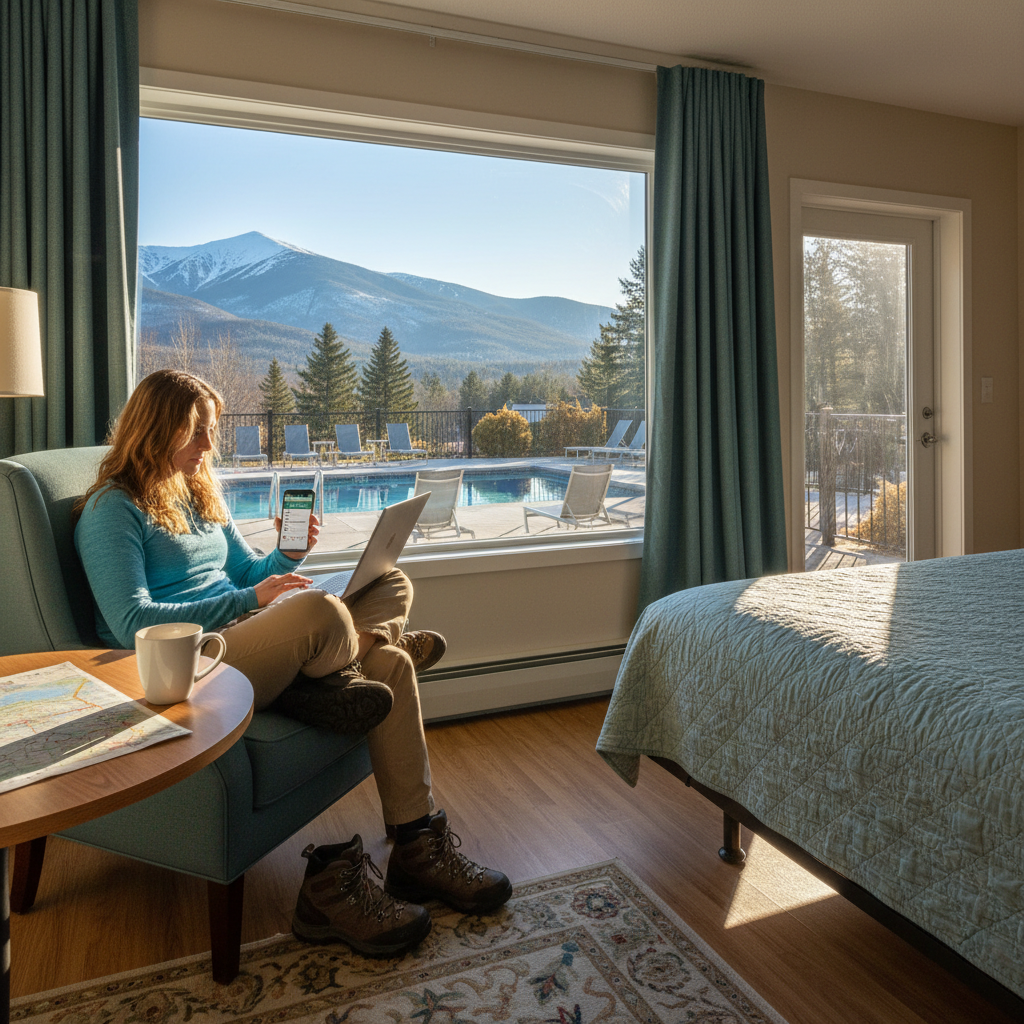
Motel reservation portal user guide refers to a clear, step-by-step set of instructions that helps you book Briarcliff Motel online quickly and accurately. In this guide, you’ll learn to pick dates, choose room types, add special packages, and confirm secure reservations for our North Conway location at 2304 White Mountain Highway.
By Ila Patel • Last updated: April 15, 2026
Quick Summary
Book Briarcliff Motel online in minutes: check real-time availability, select renovated room types, add special packages, enter guest details, and confirm via email. This motel reservation portal user guide also covers late-arrival arrangements, family-friendly tips, and what to expect at our outdoor heated pool on Main Street in North Conway, NH.
- What you’ll learn: Date selection, room comparison, packages, guest details, preferences, and confirmation.
- Why it matters: Booking online locks in room type and arrival logistics before you travel.
- Local edge: Our Main Street address places you minutes from dining, 100+ premium outlets, and White Mountains attractions.
- Family-first: Children are always welcome; rooms are adjacent to convenient parking with quick access to our outdoor heated pool.
Quick Answer
Use our secure Book Now page to choose dates, compare rooms, and confirm your stay at Briarcliff Motel. Located at 2304 White Mountain Highway in North Conway, this motel reservation portal user guide walks you through packages, late-arrival notes, and email confirmation so check-in is smooth and fast.
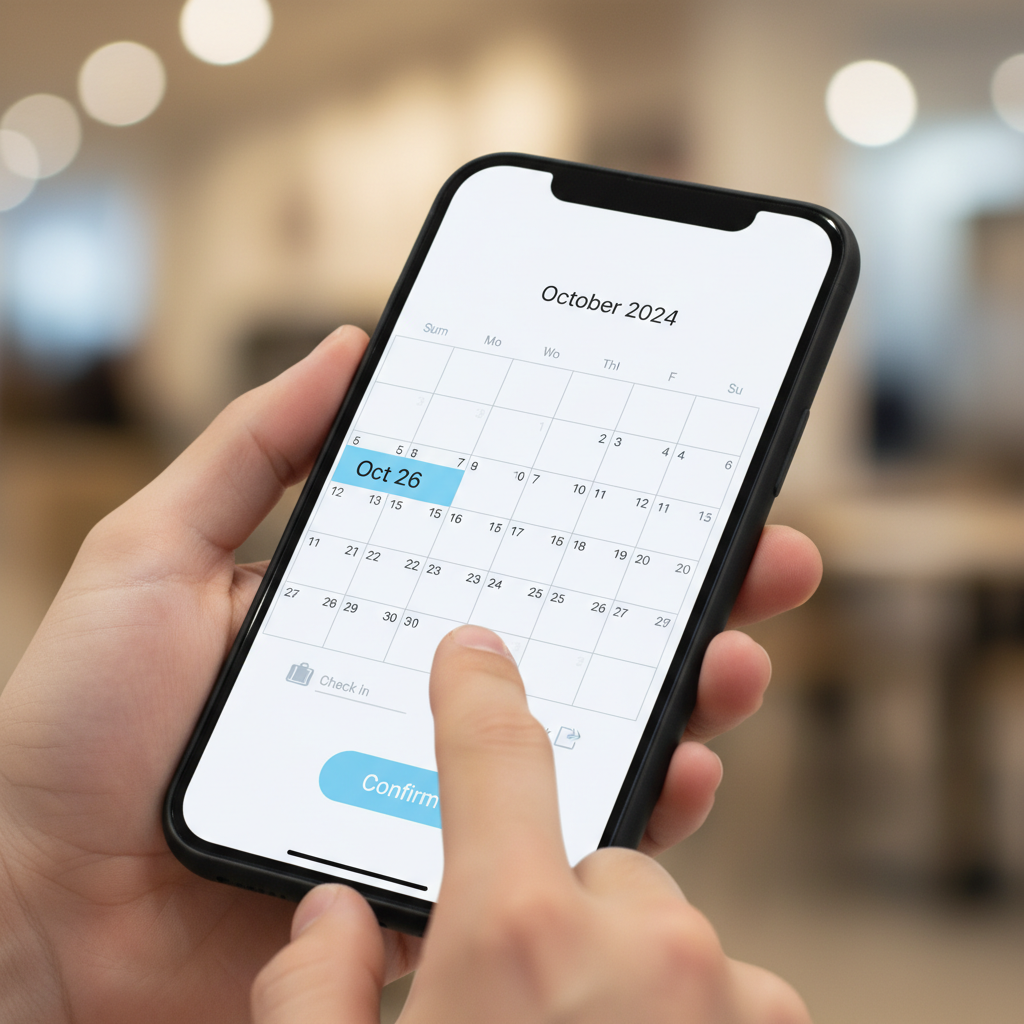
What Is a Motel Reservation Portal?
A motel reservation portal is a secure, self-service booking page where you check availability, choose room types, add stay preferences, and confirm with an email receipt. For Briarcliff Motel, it’s the fastest way to secure renovated rooms near our outdoor heated pool and Main Street attractions in North Conway.
- Core purpose: View live availability and lock in your room type before you arrive.
- Key actions: Select travel dates, occupancy, packages, and arrival window; enter guest details; confirm.
- Why portals work: They reduce front-desk paperwork because details are captured ahead of time.
- Briarcliff specifics: Renovated, mountain-view rooms, enclosed porches facing the outdoor heated pool, and rooms adjacent to convenient parking.
- Support hours: Office coverage runs 8 AM–10 PM EST with flexible late-arrival arrangements when needed.
Self-contained answer: A motel reservation portal centralizes availability, room descriptions, and secure checkout so travelers can confirm stays in minutes. At Briarcliff Motel, the portal is integrated with our front desk, which is staffed from 8 AM to 10 PM EST for questions and late-arrival help—ideal for families visiting outlets, Story Land, or nearby ski areas.
Why Using the Portal Matters for Your North Conway Stay
Booking through the portal guarantees your preferred room type, locks in arrival logistics, and speeds up check-in. For Briarcliff Motel’s Main Street location, that means more time exploring outlets, local dining, and White Mountains attractions—without last-minute scrambling or paperwork at the desk.
- Guarantee room fit: Secure the exact bed setup and mountain-view option you want before you travel.
- Plan family logistics: Choose rooms near parking and close to the outdoor heated pool.
- Save time on arrival: With details pre-entered, check-in is smoother—especially helpful after a long drive up White Mountain Highway.
- Local momentum: You’re minutes from 100+ premium outlets, restaurants, Cranmore Mountain, and area attractions—maximize time outside, not inside paperwork.
- Late arrivals covered: Add a note in the portal; our team can arrange after-hours instructions when needed.
Self-contained answer: The best way to align your North Conway itinerary with lodging needs is to book online early. The portal holds your dates, reduces check-in friction, and documents late-arrival arrangements so you can go directly from the car to your room and then out to dinner, shopping, or a poolside break.
How the Briarcliff Motel Reservation Portal Works
The portal follows a simple flow: choose dates and occupancy, compare room types, select any special packages, enter guest details and preferences, then submit payment to confirm. You’ll receive an email with a reservation number and arrival guidance from our 8 AM–10 PM front desk team.
Step 1: Date and Occupancy Selection
- Pick dates: Use the calendar to select check-in and check-out.
- Set guests: Choose adults and children so the system shows suitable rooms.
- Tip: For ski weekends and foliage season, consider booking earlier to secure your preferred view or porch.
Step 2: Compare Room Types
- Renovated comfort: Look for mountain-view options and enclosed porches facing the outdoor heated pool.
- Parking proximity: Rooms adjacent to convenient parking are great for families with strollers or ski gear.
- Read descriptions: Each room card details bed configuration and key amenities.
Step 3: Add Special Packages
- Value add-ons: Apply seasonal or activity-aligned packages when available on the portal.
- Activity planning: Packages may align with area staples like outlet shopping days, hiking weekends, or ski trips.
- Confirm details: Package terms will be shown before you check out.
Step 4: Enter Guest Details and Preferences
- Contact fields: Name, mobile, and email ensure you receive your confirmation and any arrival updates.
- Arrival window: If you’ll arrive after 10 PM EST, add a note for late-arrival arrangements.
- Special requests: Note proximity preferences (near parking, closer to pool view) to help our team prepare.
Step 5: Confirm and Save Your Email
- Reservation number: Your email includes this reference for any questions.
- Review accuracy: Check dates, room type, and names—small typos can delay check-in.
- Bring ID: A current government ID matches the reservation at arrival.
Self-contained answer: Briarcliff’s portal minimizes guesswork with a five-step flow. Select dates and occupancy; compare renovated room types; add packages; enter details; and confirm. The email includes your reservation number and any arrival notes from our 8 AM–10 PM staff, so you’re set for a quick check-in on Main Street.
Types of Reservation Approaches (And When to Use Each)
Choose the reservation method that fits your trip timing: online for speed and accuracy, phone for nuanced questions, and walk-in when traveling spontaneously. For families and busy weekends, online booking secures room type and late-arrival plans in advance.
| Method | Best For | Advantages | Considerations |
|---|---|---|---|
| Online portal | Families, weekenders, peak seasons | Fast, live availability, packages visible, instant email | Have your contact info ready |
| Phone | Nuanced requests, itinerary questions | Talk to staff 8 AM–10 PM EST, local advice | High call volume near holidays |
| Walk-in | Last-minute, weekday off-peak | See property setting in person | Availability may be limited |
- Our take: If your plans are set, the portal is typically the fastest path to a specific room type.
- Phone backup: Call during 8 AM–10 PM for clarifying questions or travel timing advice on White Mountain Highway (Route 16).
- Walk-ins: Great for spontaneous trips—but room choice may be narrower during ski weekends and foliage.
Self-contained answer: Use the online portal when you want a guaranteed room fit and fast confirmation, phone for questions only a local can answer, and walk-in when you’re flexible. Briarcliff’s extended desk hours (8 AM–10 PM EST) and late-arrival support ensure each method works depending on your timing.
Motel Reservation Portal User Guide: Step-by-Step Checklist
Follow this checklist to complete a Briarcliff Motel reservation in minutes: choose dates, set occupancy, compare room types, add special packages, enter guest and arrival details, submit payment, and verify your confirmation email. Keep your reservation number handy for any questions on travel day.
- Open the portal: Start at the Book Now reservation page.
- Select dates: Use the calendar for check-in and check-out.
- Add guests: Enter adults and children to filter suitable rooms.
- Choose room type: Compare renovated options (mountain views, enclosed porches, parking proximity).
- Pick packages: Add seasonal offers aligned to hiking, skiing, or outlet shopping days.
- Enter details: Provide name, mobile, and email for updates.
- Arrival notes: Flag late arrivals after 10 PM for instructions.
- Review & confirm: Double-check dates, names, and room choice.
- Save email: Keep the reservation number for a fast check-in.
Copyable Checklist
[ ] Dates selected
[ ] Guests added
[ ] Room type chosen
[ ] Package added (optional)
[ ] Contact info entered
[ ] Arrival notes confirmed
[ ] Email confirmation saved
Self-contained answer: A short list keeps the process error-free. With dates, guests, room selection, and contact details ready, the portal typically takes just a few minutes. Your email confirmation is your go-to reference for arrival timing and any late check-in arrangements.
Best Practices for Smooth, Family-Friendly Bookings
Plan with your family’s routines in mind: book rooms adjacent to convenient parking, request proximity to the outdoor heated pool, and note late arrivals. Enter accurate contact info and keep your confirmation email. These steps make check-in faster and your first North Conway evening more relaxed.
Reserve With Your Evenings in Mind
- Arrival windows: If you’ll arrive after 10 PM EST, add a portal note so we can prepare late-arrival details.
- First-night plan: Pack a small overnight bag accessible from the car since rooms sit close to parking.
- Dinner timing: Main Street dining gets busy; securing your room early means less time in lines.
Choose Configurations That Fit
- Parking-adjacent rooms: Ideal with strollers, ski boots, or shopping bags from 100+ outlets.
- Pool-facing porches: Enclosed porches facing the outdoor heated pool are a hit with kids in warmer months.
- View preferences: Mountain views make early mornings memorable before a hike or drive.
Confirm Communication
- Accurate email: Your reservation number and arrival guidance are sent there.
- Text-ready phone: Helpful if you’re on the Mt. Washington Auto Road or at Cranmore Mountain before arrival.
- Share details: If traveling in two cars, share the confirmation so both parties know the plan.
Self-contained answer: Families benefit from a parking-adjacent room and pool-facing porch, while accurate contact info ensures you don’t miss arrival guidance. With evenings pre-planned, check-in becomes a five-minute stop on your way to dinner or a sunset walk along Main Street.
Tools and Resources You Can Use
Use the motel’s portal, your phone’s calendar and wallet apps, and a printable checklist to keep booking details organized. At Briarcliff Motel, the reservation page integrates room details, packages, contact fields, and confirmation so you can store everything in one place before driving into North Conway.
On-Device Helpers
- Calendar app: Add your check-in date, reservation number, and late-arrival note.
- Wallet app: Save a screenshot of your confirmation email (reservation number visible).
- Notes app: Keep a packing list for outlet shopping, Story Land, or ski days.
Printable Packing & Arrival Checklist
Arrival Checklist
[ ] Government ID
[ ] Reservation email (number visible)
[ ] Overnight bag accessible from car
[ ] Swimwear for heated outdoor pool (seasonal)
[ ] Layers for Mt. Washington Valley weather
[ ] Phone chargers and car adapter
Portal Readiness List
- Travel dates: Know check-in and check-out days before you open the portal.
- Guest count: Adults and children counts affect room options.
- Preference notes: Parking adjacency, porch view, or proximity to pool.
Self-contained answer: A few simple tools—a notes app, calendar, and the portal itself—prevent last-minute scrambling. With ID and confirmation number at hand, check-in at Briarcliff is typically quick, allowing you to unpack and head straight for Main Street or the pool.
Case Studies: 5 Real-World Booking Scenarios
These brief scenarios show how travelers use Briarcliff’s portal to solve timing and logistics challenges—from late arrivals and stroller access to ski gear unloading near parking. Each example highlights which portal fields made arrival and check-in smoother.
1) Friday Night Late Arrival After Outlet Shopping
- Portal move: Added an arrival note indicating check-in after 10 PM EST.
- Outcome: Late-arrival instructions were included in the confirmation email.
- Why it mattered: Avoided calling en route and still parked footsteps from the room.
2) Family With Stroller Wants Parking-Adjacent Room
- Portal move: Noted proximity request (adjacent to parking) in preferences.
- Outcome: Easy unload from car; quick access to the outdoor heated pool.
- Why it mattered: Kept nap schedules on track after the drive.
3) Ski Weekend Near Cranmore Mountain
- Portal move: Chose room type first, then added a seasonal package.
- Outcome: Morning departure was streamlined with gear staging by the porch.
- Why it mattered: Reduced back-and-forth to the car before first chair.
4) Couple Celebrating a Hike Weekend
- Portal move: Selected a mountain-view room outlook to catch sunrise.
- Outcome: Morning coffee on the porch before trailheads.
- Why it mattered: Centered the stay around a view-forward morning routine.
5) Multi-Car Small Group
- Portal move: Entered all guest names and shared the confirmation email.
- Outcome: Group arrived at staggered times without confusion.
- Why it mattered: Everyone had the reservation number handy for reference.
Self-contained answer: The portal’s preferences and notes fields handle real travel constraints—late nights, gear-heavy days, view priorities, and group coordination. When used well, arrivals stay orderly and your first hour in North Conway is enjoyable, not administrative.
Frequently Asked Questions
These concise answers address the most common booking and arrival questions at Briarcliff Motel. Keep your confirmation email handy, and contact our 8 AM–10 PM EST front desk if you need personalized guidance.
- How do I make late-arrival arrangements?
Add a note in the portal if you’ll arrive after 10 PM EST. Our team will share instructions in your confirmation email so you can check in smoothly when you get to 2304 White Mountain Highway. - Can I request a room near parking or by the pool?
Yes. Use the preferences field in the portal to note parking adjacency or proximity to the outdoor heated pool. We do our best to honor requests based on availability. - What should I bring for check-in?
Bring a government ID that matches the reservation and have your confirmation email ready. It includes your reservation number and any special arrival notes from our 8 AM–10 PM team. - Is the pool open year-round?
It’s an outdoor heated pool and is seasonal. Check the portal or call during office hours for current status if swimming is central to your plans. - What’s the fastest way to fix a typo on my reservation?
Reply to your confirmation email or call the front desk during office hours. Provide the reservation number so we can locate and update your details quickly.
Self-contained answer: Use the portal for notes and preferences, keep your email confirmation with the reservation number, and reach our 8 AM–10 PM EST desk for time-sensitive updates. These three steps resolve most booking and arrival questions without delays.
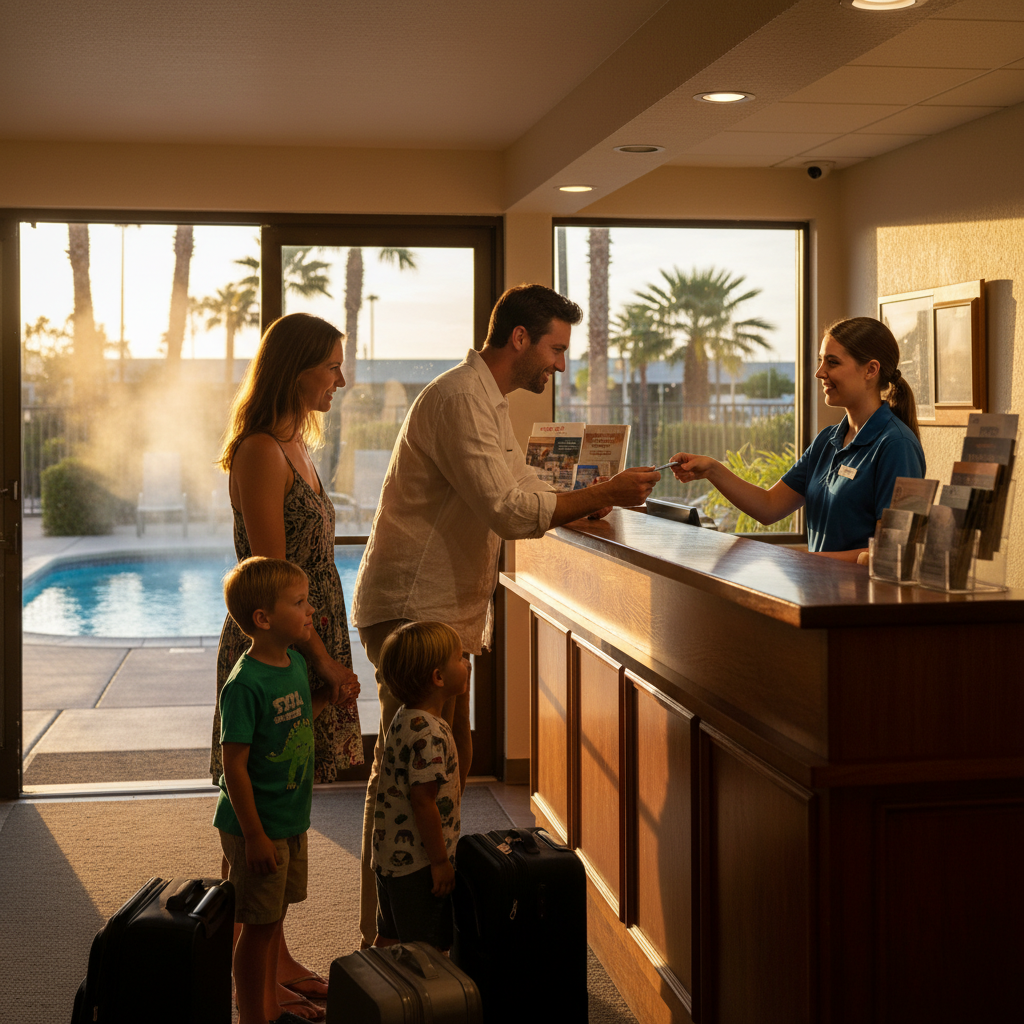
Local Tips for Arriving at 2304 White Mountain Highway
Plan your approach on White Mountain Highway (Route 16), aim for an arrival during office hours when possible, and keep your confirmation handy. These steps, plus a note for late arrivals, make your first hour at Briarcliff Motel easy and predictable.
Local Tips
- Tip 1: If you’re driving the White Mountain Highway (Route 16), save the address—2304 White Mountain Highway, North Conway, NH 03860—and your reservation number for a smooth arrival.
- Tip 2: Weekends and holidays are busy. Arriving before dinner often means quicker check-in and easier parking adjacent to your room.
- Tip 3: Traveling with kids? Pack swimwear and snacks on top. Our outdoor heated pool and Main Street dining are minutes from your door.
IMPORTANT: These tips reflect Briarcliff Motel’s family-friendly setup, with rooms close to parking and the outdoor heated pool for seasonal relaxation.
Self-contained answer: Save the address, plan weekend arrivals earlier when you can, and pack essentials within reach. With those basics in place, you can go from car to room to dinner or the pool in short order, especially helpful for families.
Conclusion
Use Briarcliff Motel’s online portal to lock in dates, room type, packages, and arrival notes. Keep your confirmation email and reservation number. These simple steps transform your first hour in North Conway into time well spent—on Main Street, at the outlets, or relaxing by the outdoor heated pool.
- Key Takeaways
- Online booking guarantees your room fit and speeds check-in.
- Preferences and notes in the portal solve late-arrival and parking needs.
- Keep your confirmation email and ID handy to save time at the desk.
- Action Steps
- Open the Book Now portal and select your dates.
- Compare renovated room types and add packages.
- Enter accurate contact info and save your confirmation email.
Soft CTA: Ready to plan your North Conway trip? Use our secure portal to reserve rooms near parking and the outdoor heated pool. Questions about arrival timing? Our 8 AM–10 PM team is happy to help.
Final note: When you book early, you preserve energy for what matters—time in the White Mountains, dining on Main Street, and outlet treasure hunting.
Related Articles
Explore more trip-planning tips: choosing room configurations for ski weekends, organizing a hiking basecamp near Main Street, and making the most of outlet shopping with family-friendly breaks by the pool.
Plan your stay
Make Briarcliff Motel your basecamp.